Key takeaways
- Choose a cart when devices move together between rooms.
- Choose a fixed cabinet when devices return to one controlled location.
- Compare access style, security, delivery path, and service—not only capacity.
- Some programs need both centralized overnight storage and local daytime charging.
When a mobile charging cart fits
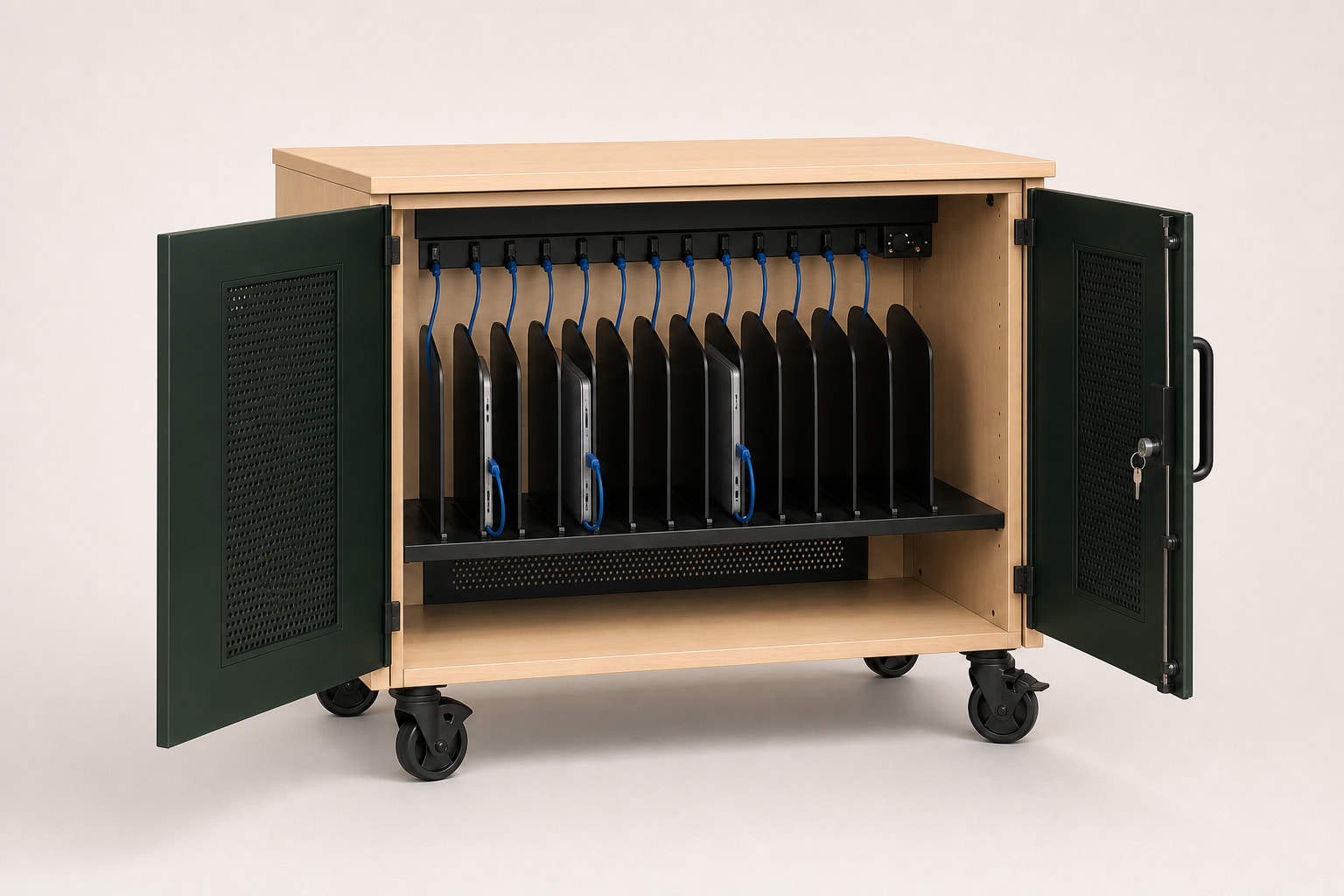
Carts support testing fleets, shared classroom sets, lab devices, and departments that move equipment as one group. Casters and handles add flexibility, but also create requirements for loaded stability, braking, thresholds, elevators, doorways, and safe parking.
A cart is most valuable when the fleet itself moves. If the unit will never leave one room, mobility hardware may add size and maintenance without improving the routine.
When a fixed cabinet or station fits
Fixed charging cabinets work well in libraries, help desks, repair rooms, nurse stations, and other controlled areas where devices return to one point. Wall or counter units can preserve floor space and discourage unscheduled movement.
Installation, wall structure, counter depth, ventilation clearance, cord routing, and service access must be planned before the location is finalized.
Compare the access routine
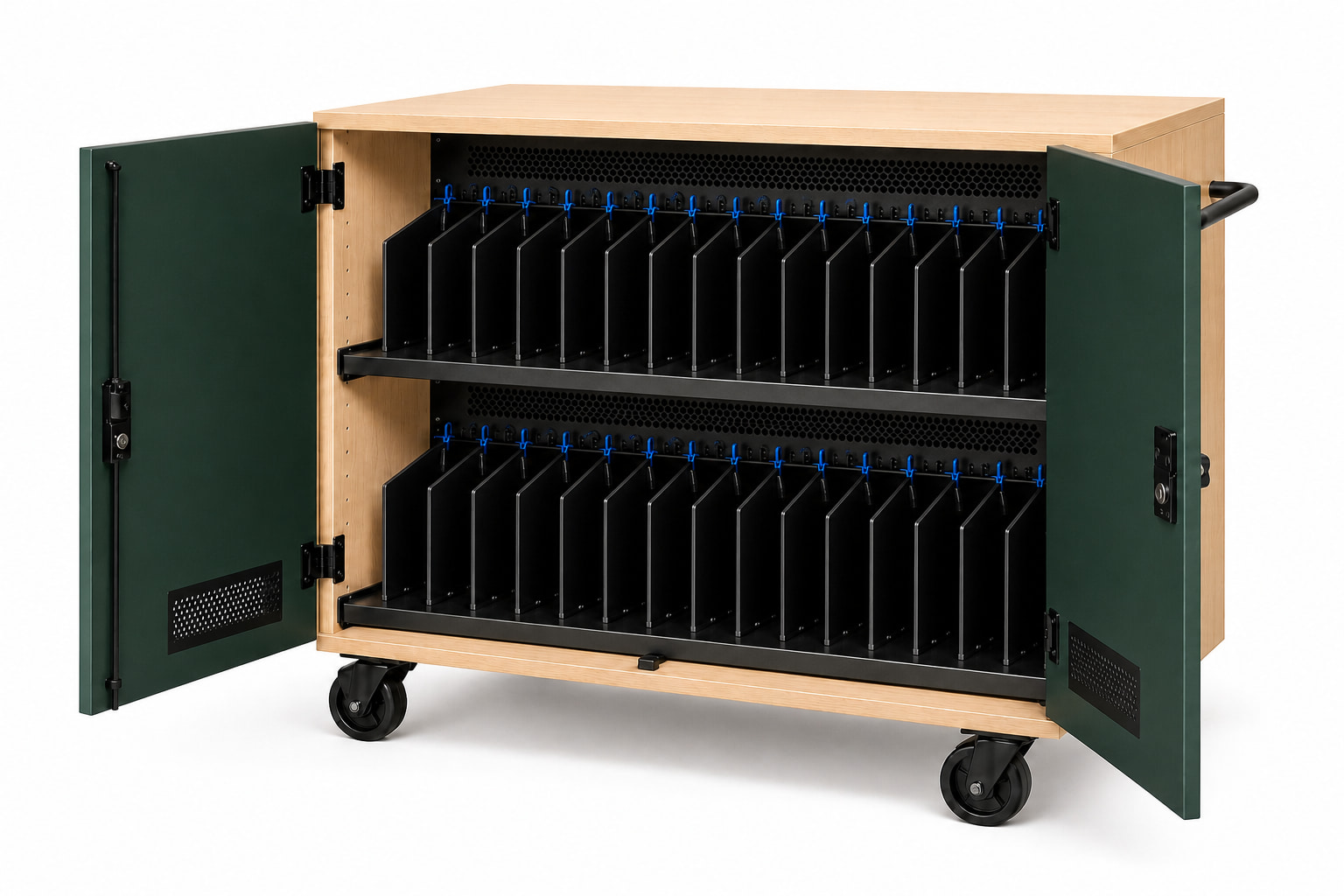
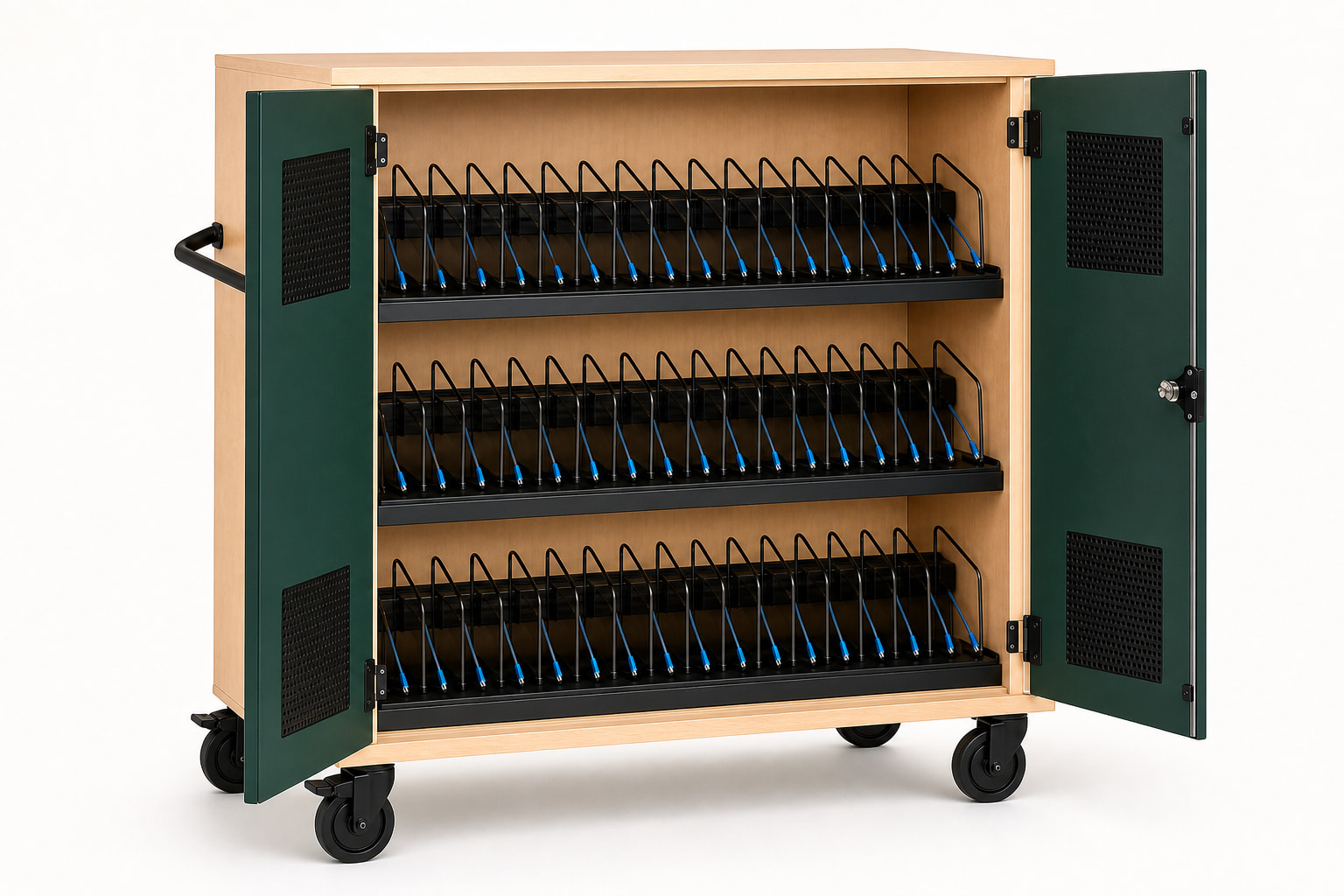
Front-loading shelves make individual numbered bays easy to see. Top-loading baskets may improve group distribution. Lockers support individual access. Open stations favor charging convenience over secure overnight storage.
Observe who loads devices, how many people access them at once, whether cables stay with the cart, and where staff store keys. The best format removes steps from that real routine.
Use a mixed architecture when needed
A campus can centralize overnight storage in carts while adding smaller daytime charging stations in high-use rooms. The decision does not have to be one format for every building.
Common questions
Plan the decision carefully.
What is the main difference between a charging cart and cabinet?
A charging cart is mobile and designed to move a stored fleet. A cabinet or station is generally fixed in one controlled location.
Are fixed charging cabinets more secure?
Security depends on construction, locks, anchoring, access control, and location. Fixed placement alone does not guarantee a stronger security system.
Can one program use both carts and stations?
Yes. Centralized overnight storage and smaller daytime charging points can solve different parts of the same device workflow.
This guide supports early product selection. Final device fit, charging compatibility, ratings, installation scope, and compliance requirements must be confirmed for the specific project.