Key takeaways
- Confirm the device and protective-case envelope before choosing capacity.
- Compare total cabinet power with per-port peak charging claims.
- Plan for doors, handles, cord access, turning radius, and delivery paths.
- Treat service access, cable replacement, and product status as procurement requirements.
1. Start with the working fleet
Count the devices that must be stored together during a normal day, then decide whether spare and repair devices belong in the same cart. An oversized cart takes more floor space and may be harder to move; an undersized cart creates a second storage routine.
Record the device model, screen size, closed dimensions, case dimensions, charging connector, and original power requirement. A nominal 16-inch laptop can still exceed a slot because of a rugged case, handle, or unusually thick profile.
- Working device count and realistic spare allowance
- Device plus case width, height, depth, and weight
- USB-C, proprietary connector, or original AC adapter
- Whether the fleet is uniform or mixed
2. Match charging architecture to the devices
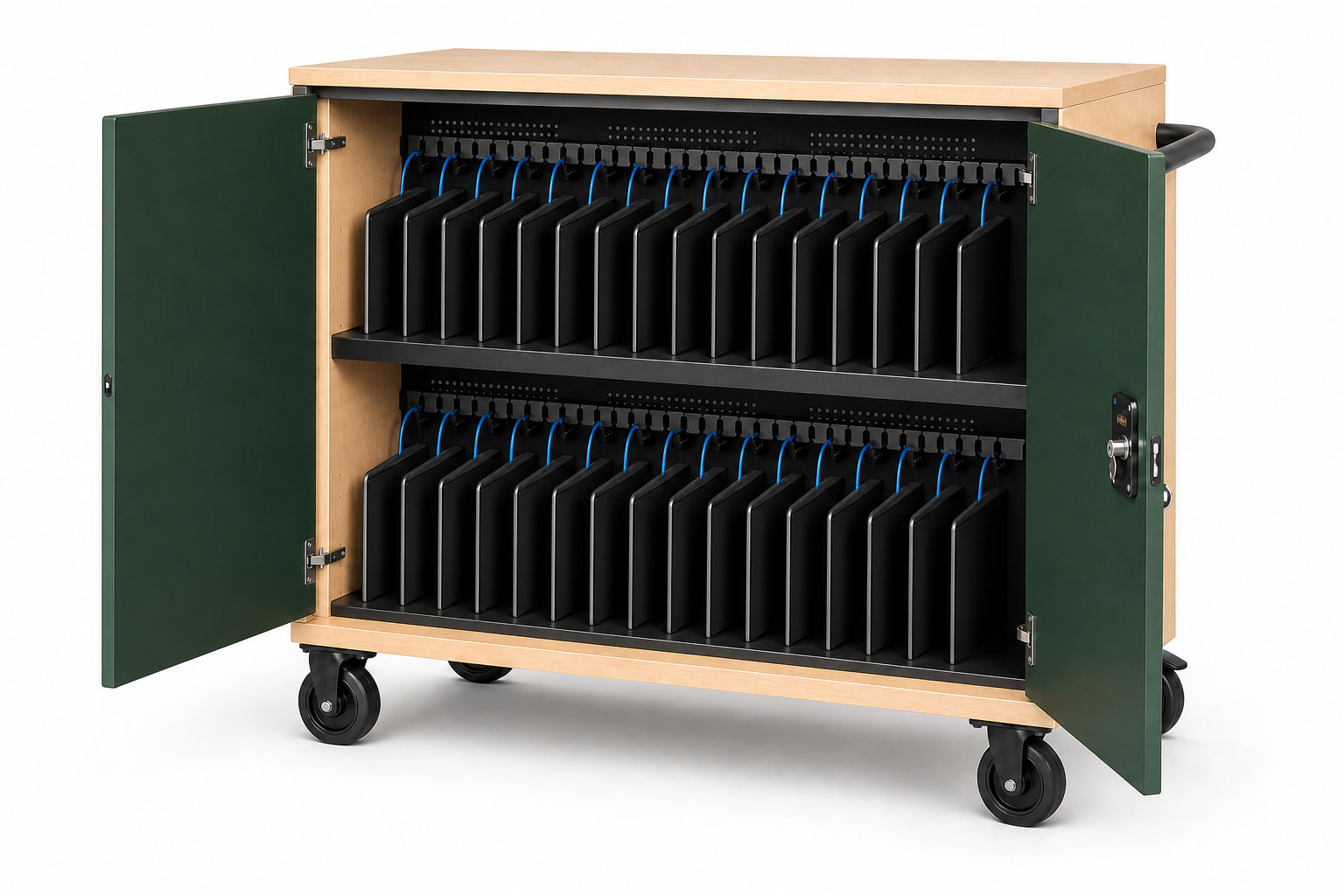
Pre-wired USB-C can reduce adapter clutter and setup work when every device supports compatible USB-C Power Delivery. Compatibility still depends on the device protocol and power requirement, not simply the shape of the connector.
Read two ratings separately: the maximum available to one port and the cabinet's total managed power. A 65-watt per-port peak does not automatically mean every bay receives 65 watts simultaneously. Ask how power is allocated under a full-cabinet load.
3. Evaluate daily handling
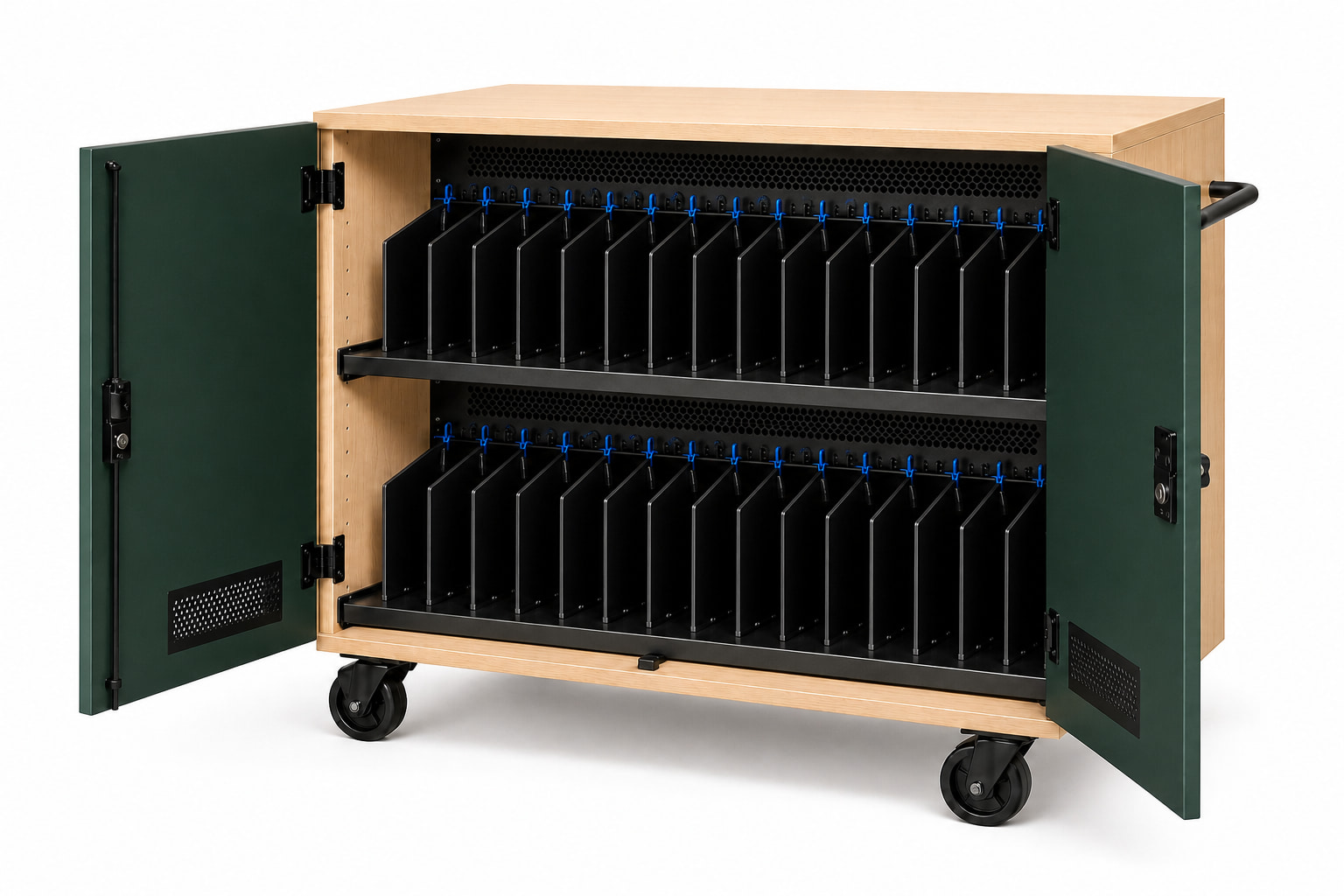
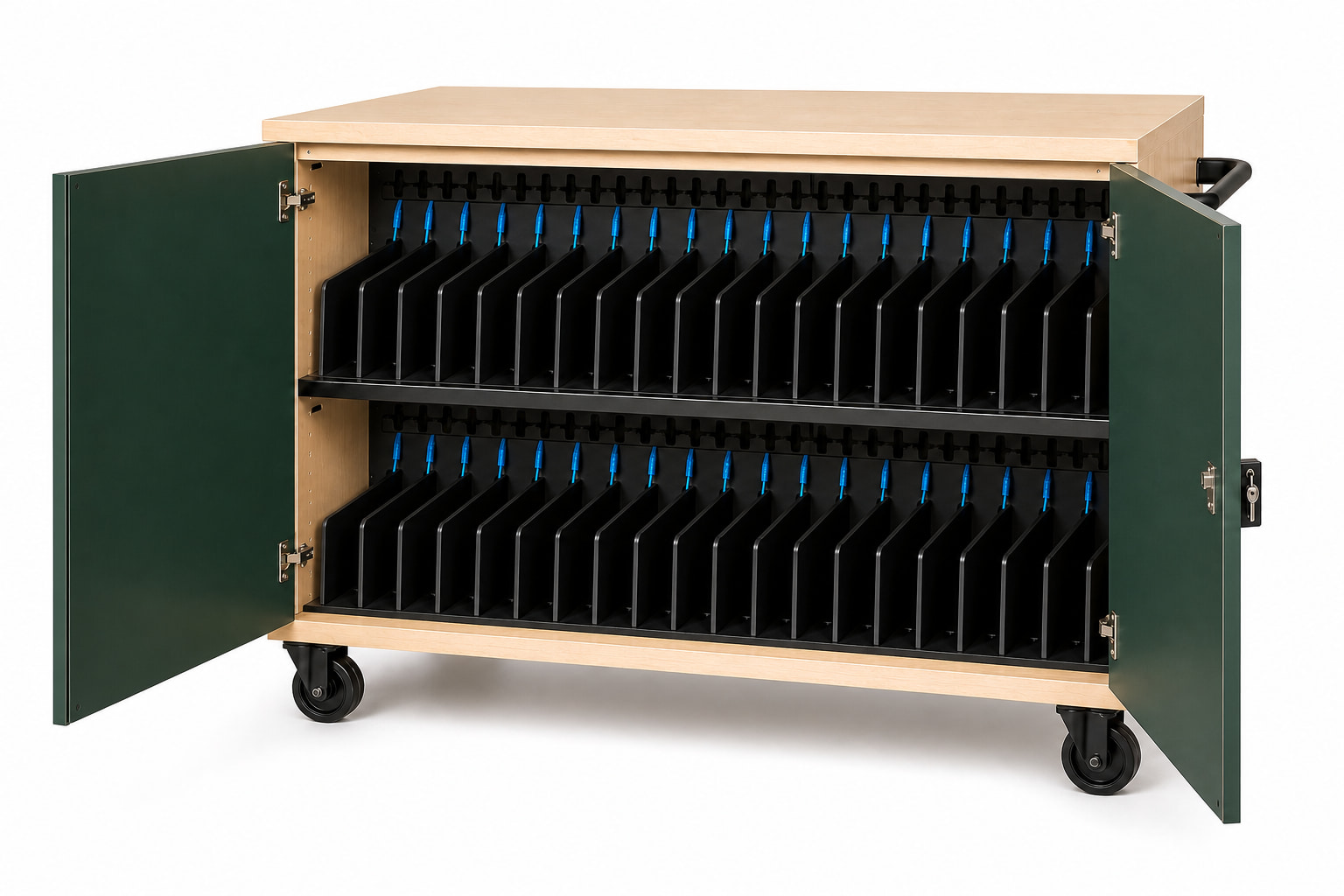
Front-loading carts work well when staff want a clear view of numbered slots and direct access to cable ends. Top-loading and basket systems can favor faster group distribution. The right format depends on whether the priority is organized storage, rapid handout, or frequent movement.
Check the loaded cart, not an empty showroom unit. Caster diameter, brake access, handle position, door retention, threshold transitions, and turning clearance all affect daily use.
4. Put service and procurement in the specification
Cable ends are wear items. A professional cart should make it possible to identify, route, and replace a cable without dismantling the entire cabinet. Power components should be isolated from the device area and accessible only through a controlled service panel.
Before purchase, document what is included, what requires installation, freight and inside-delivery terms, warranty or pre-production status, certification claims, and the exact device-fit approval. If a claim is not documented, do not build the project around it.
Common questions
Plan the decision carefully.
What size charging cart is most common for a classroom?
Thirty-, 32-, and 36-device carts commonly align with whole-class fleets. The correct capacity is the smallest cart that covers the working cohort plus a realistic spare allowance.
Should a school buy USB-C or AC-adapter charging carts?
USB-C can simplify wiring for compatible fleets. AC-adapter carts may suit mixed or proprietary-power devices. Confirm every device model, connector, protocol, and wattage before choosing.
What should be confirmed before requesting a quote?
Provide device models, case dimensions, quantity, charging requirements, room and delivery constraints, preferred timing, and whether freight, inside delivery, installation, or special keys are needed.
This guide supports early product selection. Final device fit, charging compatibility, ratings, installation scope, and compliance requirements must be confirmed for the specific project.