Key takeaways
- Verify USB-C Power Delivery support for every device model.
- Separate per-port peak power from total cabinet allocation.
- Use rated, replaceable cables with strain relief and clear labels.
- Pilot the exact devices under a full-cabinet charging load.
USB-C is a negotiation, not only a connector
A USB-C device and charger negotiate a supported voltage and current through the Power Delivery protocol. Two devices with identical-looking ports can request different power levels or use different charging behavior.
The safest planning path is a device compatibility schedule listing manufacturer, model, charging-port type, original adapter wattage, and any case or dock that changes the physical fit.
Read power specifications correctly
Per-port peak wattage describes what one compatible port may receive under the stated conditions. Total cabinet allocation describes the power available across the system. Managed systems may distribute power dynamically or by zones.
Ask how the cart behaves with every bay occupied, several deeply discharged devices, and the room at its expected ambient temperature. Charge time, thermal behavior, and circuit loading should be evaluated together.
Cable management is a service system
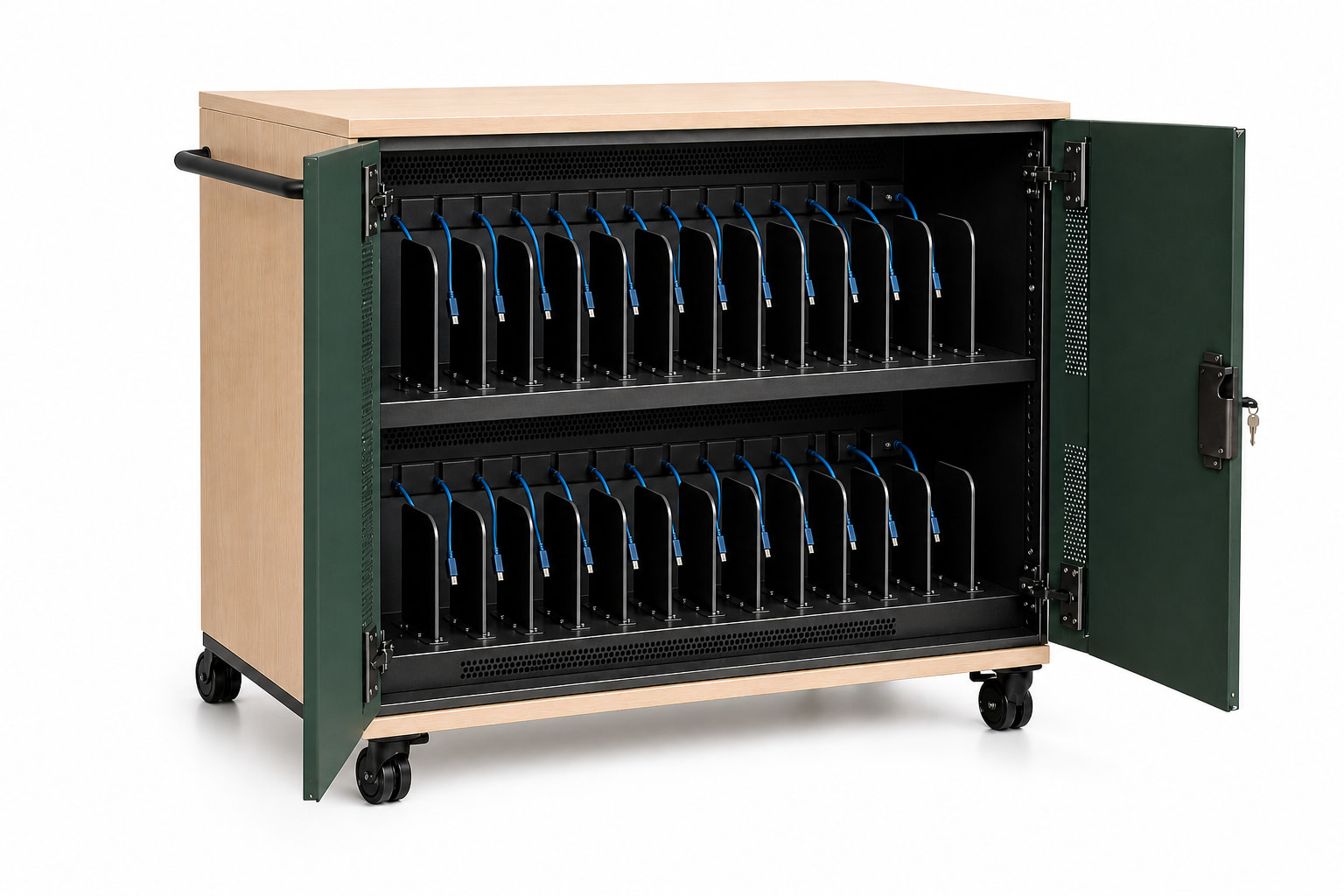
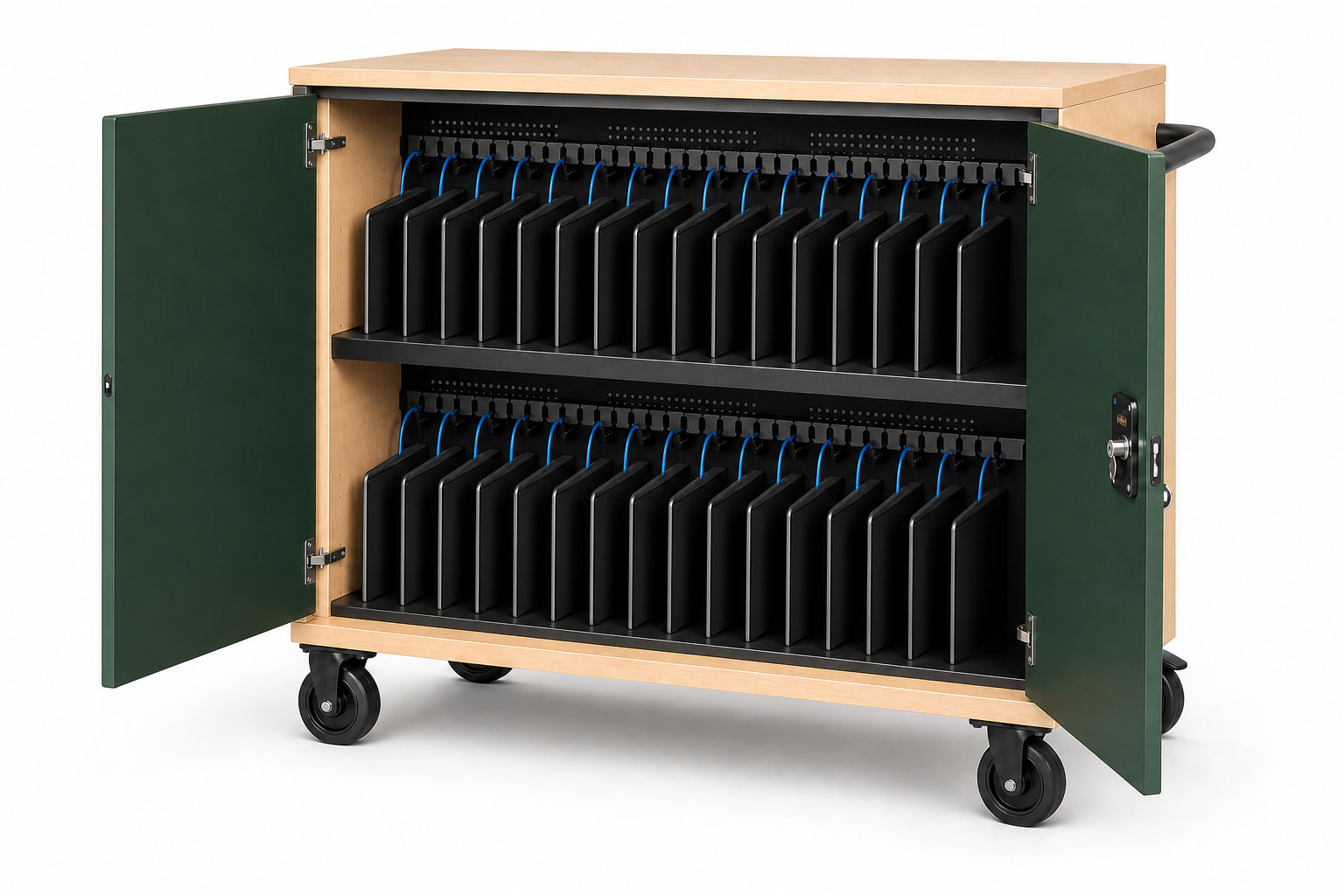
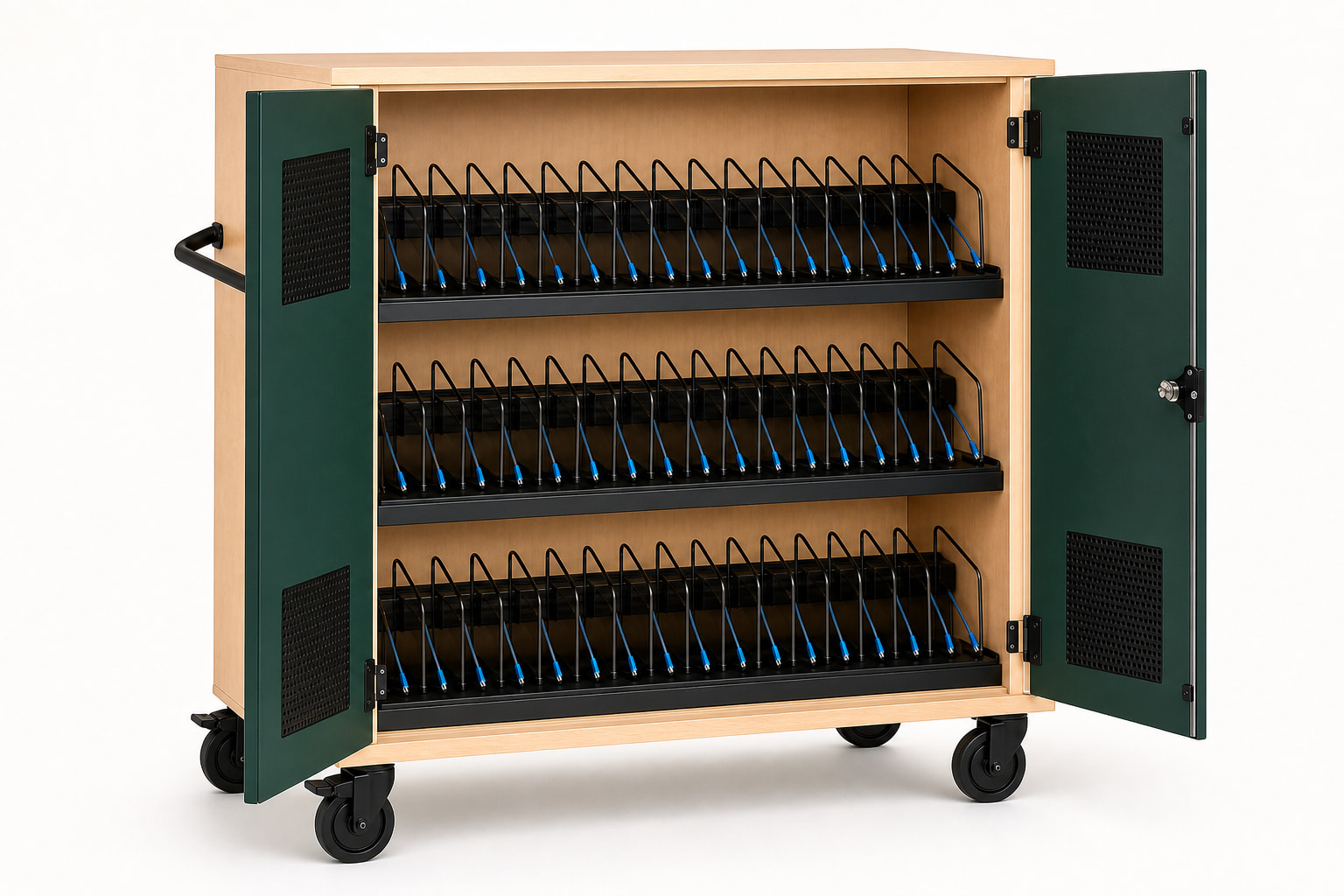
Each bay should present a consistent cable length without allowing the connector to disappear behind the shelf. Labels should connect the visible lead to its service zone, and worn leads should be replaceable without rewiring unrelated bays.
Cable combs, protected routing, bend radius, strain relief, and a controlled rear compartment matter more than a perfectly tidy product photograph.
Compatibility checklist
Test representative devices before a broad rollout, then lock the approved device and cable combination into the project record. Recheck compatibility when the institution changes laptop generations or introduces a different case.
- Exact device model and charging protocol
- Original adapter wattage
- Device-and-case dimensions
- Cable wattage and length rating
- Full-load charge behavior
- Cable replacement procedure
Common questions
Plan the decision carefully.
Does a USB-C port guarantee that a laptop can charge from the cart?
No. The device must support compatible USB-C Power Delivery and the system must provide an acceptable power profile.
Does 65 watts per port mean 65 watts to every device at once?
Not necessarily. Compare the per-port peak with the cart's total power allocation and its load-management method.
Are USB-C cables considered permanent components?
Cables experience daily wear and should be treated as identifiable, inspectable, and replaceable service items.
This guide supports early product selection. Final device fit, charging compatibility, ratings, installation scope, and compliance requirements must be confirmed for the specific project.