Key takeaways
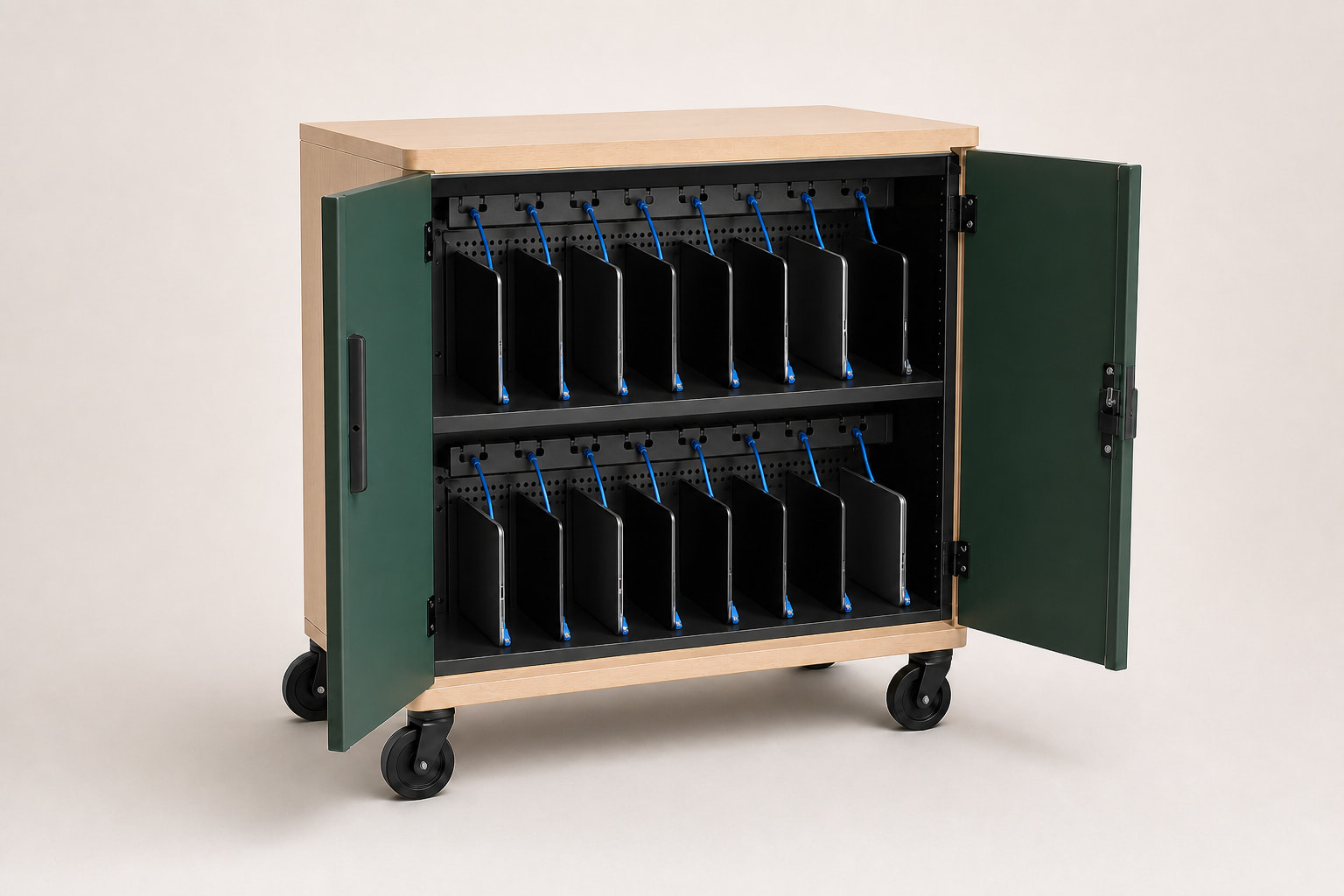
- Use 12–24 bays for intentionally small teams and departmental pools.
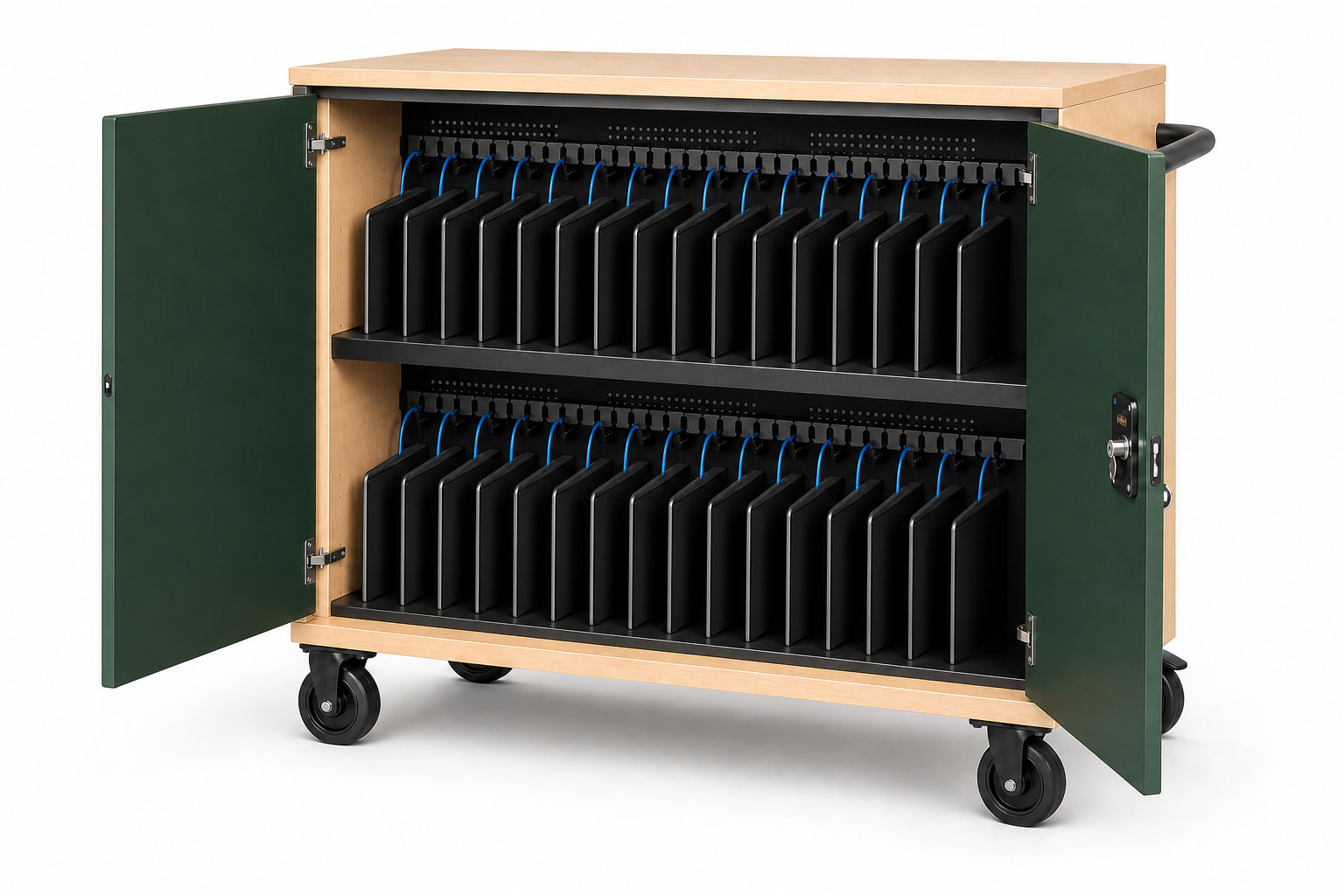
- Use 30–36 bays for most whole-class programs.
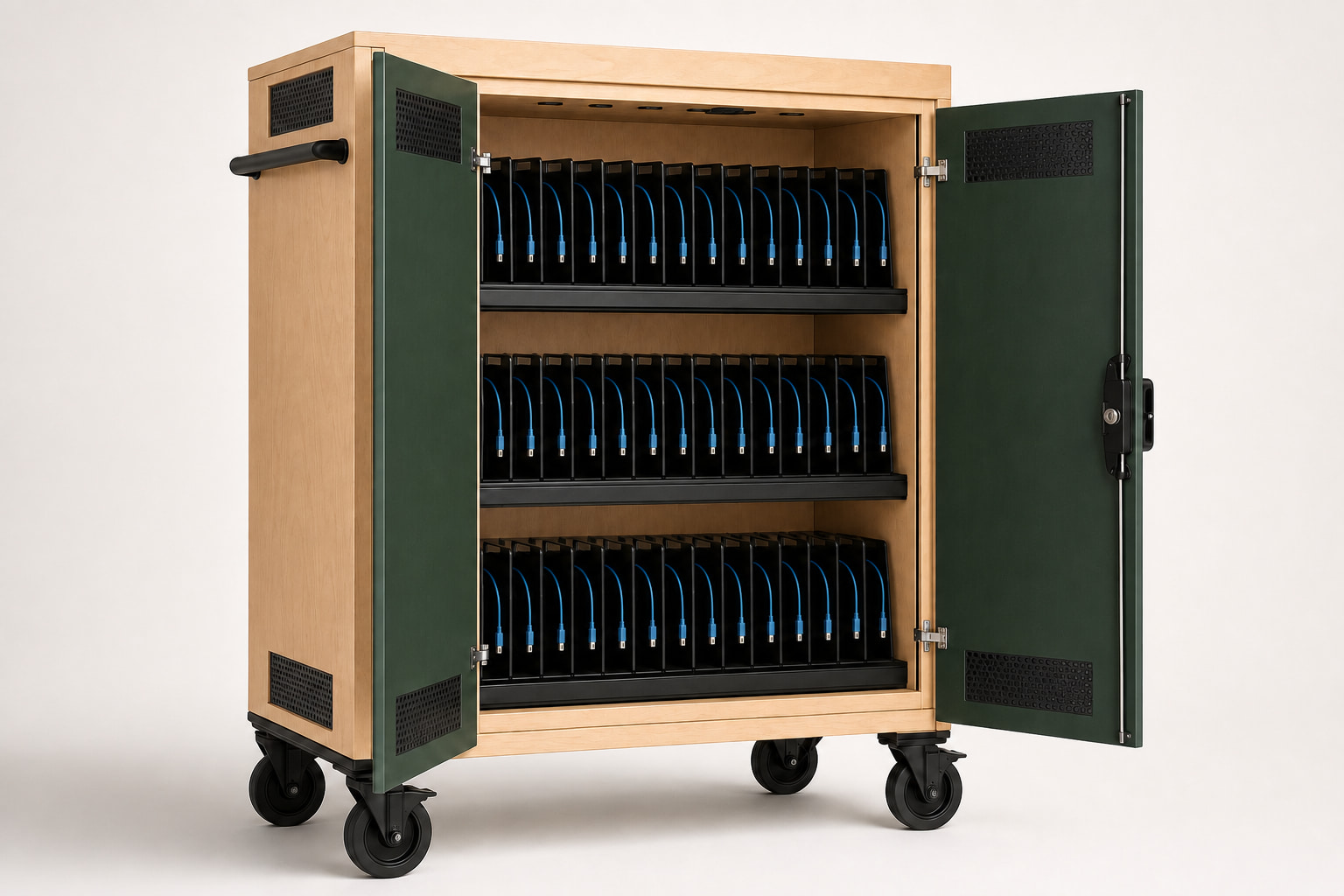
- Use 40–48 bays when one service routine truly covers multiple groups.
- Keep a modest spare allowance, but avoid paying for permanent empty space.
Compact capacity: 12, 16, 20, and 24
Twelve- and 16-device carts fit libraries, intervention rooms, administrative teams, loaner pools, and smaller training programs. Twenty and 24 bays bridge the gap between compact departments and full classrooms.
Compact does not only mean fewer devices. It can mean a narrower path through existing rooms, less floor-space pressure, and an easier match for teams that never distribute a full class set.
Classroom capacity: 30, 32, and 36
Thirty devices cover many standard cohorts. Thirty-two maps directly to a common seat count. Thirty-six creates room for a larger roster or a controlled reserve without moving into a three-tier high-density platform.
Choose between these sizes using the largest normal class, the number of spares that stay with the room, and the physical route. A few extra bays can help; a permanently half-empty cart usually does not.
High density: 40, 45, and 48
High-density carts are appropriate when a lab, lecture program, district pool, or large IT team manages one device group under one check-in and charging routine. They should not be a default substitute for two independently managed classroom carts.
Three tiers add capacity without making the cart excessively wide, but the loaded weight and reach to upper or lower tiers deserve pilot evaluation.
A simple selection rule
Start with the maximum number of devices that must be ready together. Add only the spare or repair devices that are genuinely stored with that group. Then verify device-and-case fit, total loaded weight, doorway clearance, and charging compatibility.
- Working cohort
- Normal spare count
- Device-and-case envelope
- Delivery and room access
- Loaded mobility
- Power compatibility
Common questions
Plan the decision carefully.
Is a larger charging cart always better?
No. Extra capacity adds cabinet size, loaded weight, and cost. Choose a larger cart only when the additional bays belong to the same daily workflow.
How many spare bays should be planned?
Use the institution's real spare and repair practice. A small reserve may be useful, but there is no universal percentage that fits every program.
Why are 30-, 32-, and 36-device carts common?
They align with many classroom cohorts and provide enough room for a full group without the size of a high-density cart.
This guide supports early product selection. Final device fit, charging compatibility, ratings, installation scope, and compliance requirements must be confirmed for the specific project.