Key takeaways
- Align capacity with the actual class or testing cohort.
- Confirm student-device cases and charging requirements.
- Plan fast, visible check-in with numbered bays and consistent cables.
- Pilot mobility, keys, brakes, cleaning, and full-load charging with staff.
Classroom fleets
For a cart assigned to one classroom, match the capacity to the largest working roster plus the spares that stay in that room. Thirty, 32, and 36 devices cover common whole-class patterns.
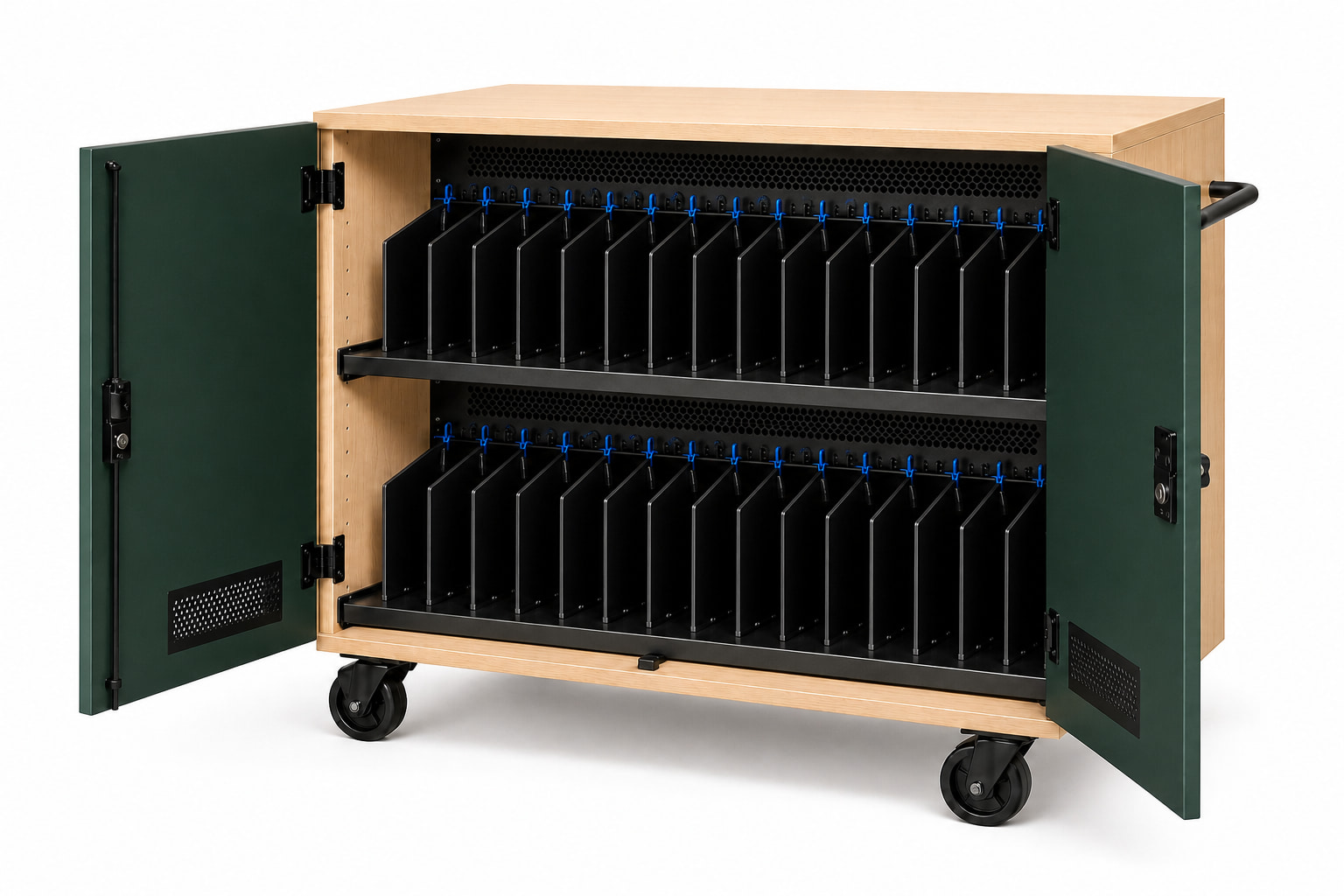
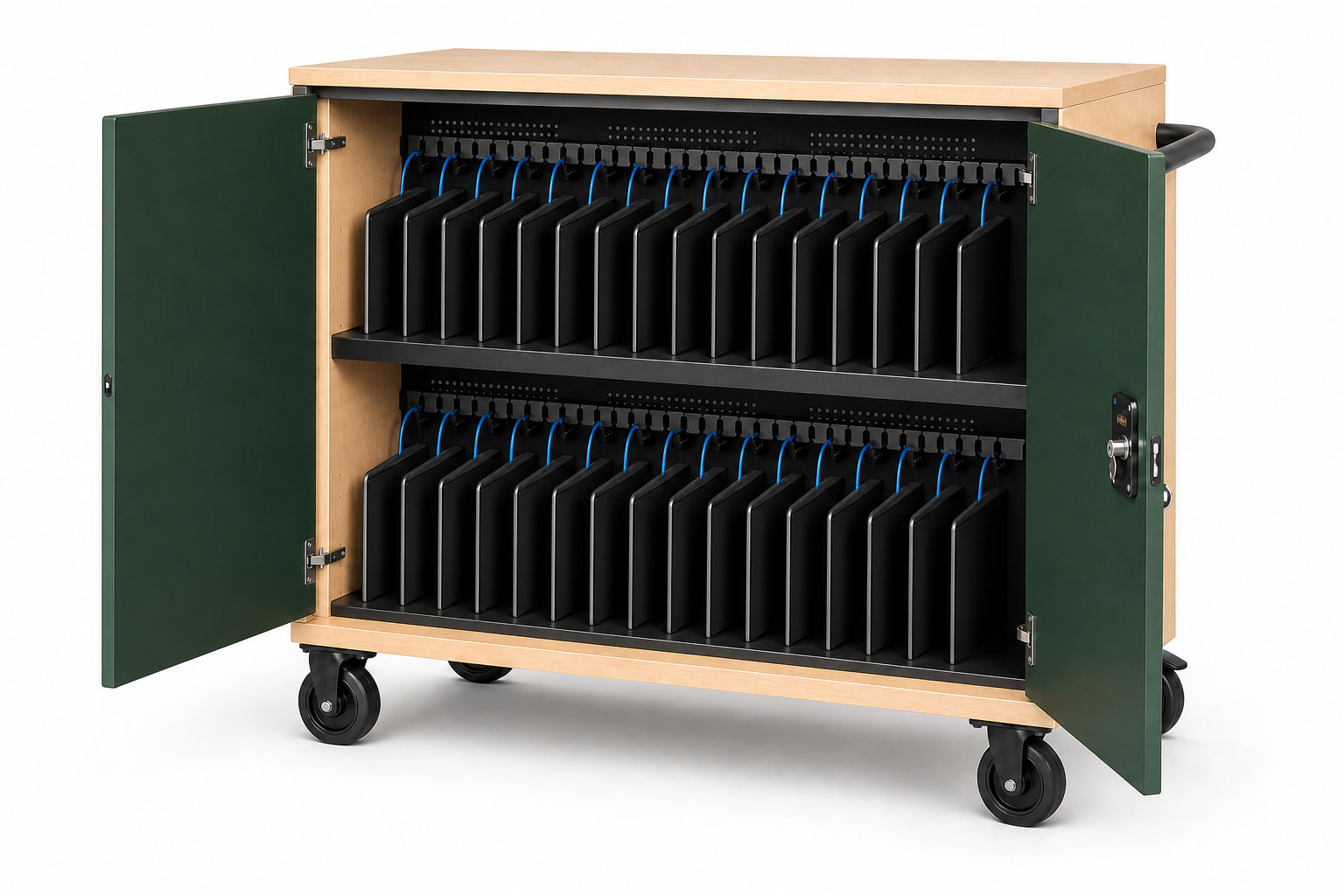
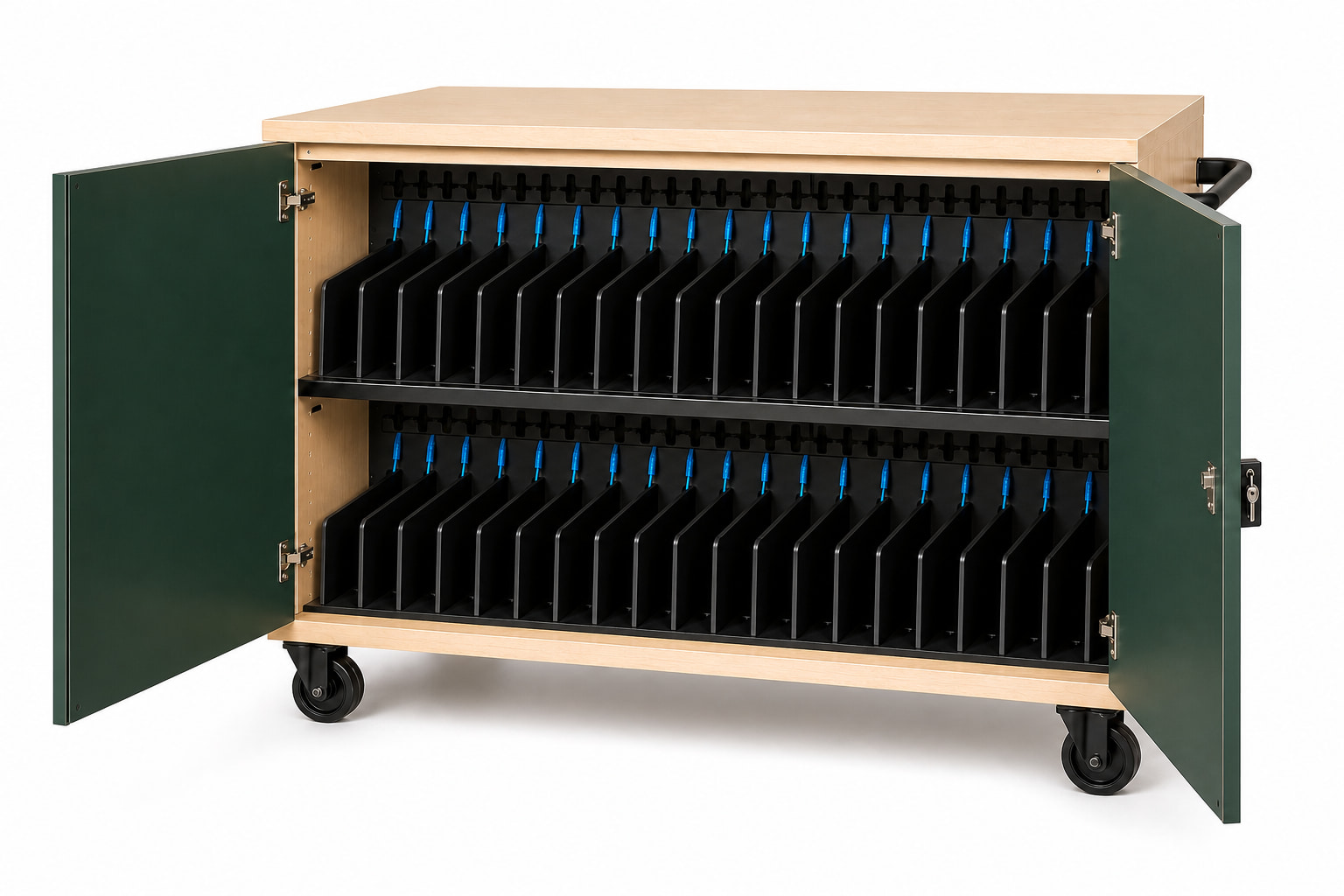
Numbered bays help teachers and students return devices consistently. Cable ends should be visible at the slot so plugging in does not become a search behind the shelf.
Testing, libraries, and loaners
Testing programs may move carts between rooms and need a capacity reserve for device failures. Libraries and help desks often benefit from smaller carts because devices are issued individually rather than as one class set.
A district can standardize the operating language—keys, labels, cable routing, and service zones—while using different capacities for each program.
Daily school workflow
Observe the cart during arrival, handout, collection, and end-of-day charging. Confirm that doors stay clear of aisles, brakes are reachable, the handle works for the staff who move it, and the loaded cart crosses thresholds without excessive effort.
- Who controls keys
- Who checks cable condition
- Where the cart parks and plugs in
- How damaged devices are separated
- How spares are labeled
- Who approves device compatibility
Procurement record
Include the approved device model and case, slot dimensions, cable type, power behavior, freight scope, product status, and required documentation in the quote review. Avoid relying on generic 'fits most Chromebooks' language.
Common questions
Plan the decision carefully.
What charging-cart capacity works for most classrooms?
Thirty to 36 devices cover many classroom cohorts, but the final choice should follow the institution's actual roster and spare-device practice.
Should students return devices to numbered slots?
Numbered bays can simplify accountability, cable checks, and identification of devices that did not charge.
What should a school pilot before standardizing?
Pilot exact device fit, charging compatibility, loaded mobility, doors, brakes, keys, cable service, cleaning, and the complete daily handout and return routine.
This guide supports early product selection. Final device fit, charging compatibility, ratings, installation scope, and compliance requirements must be confirmed for the specific project.