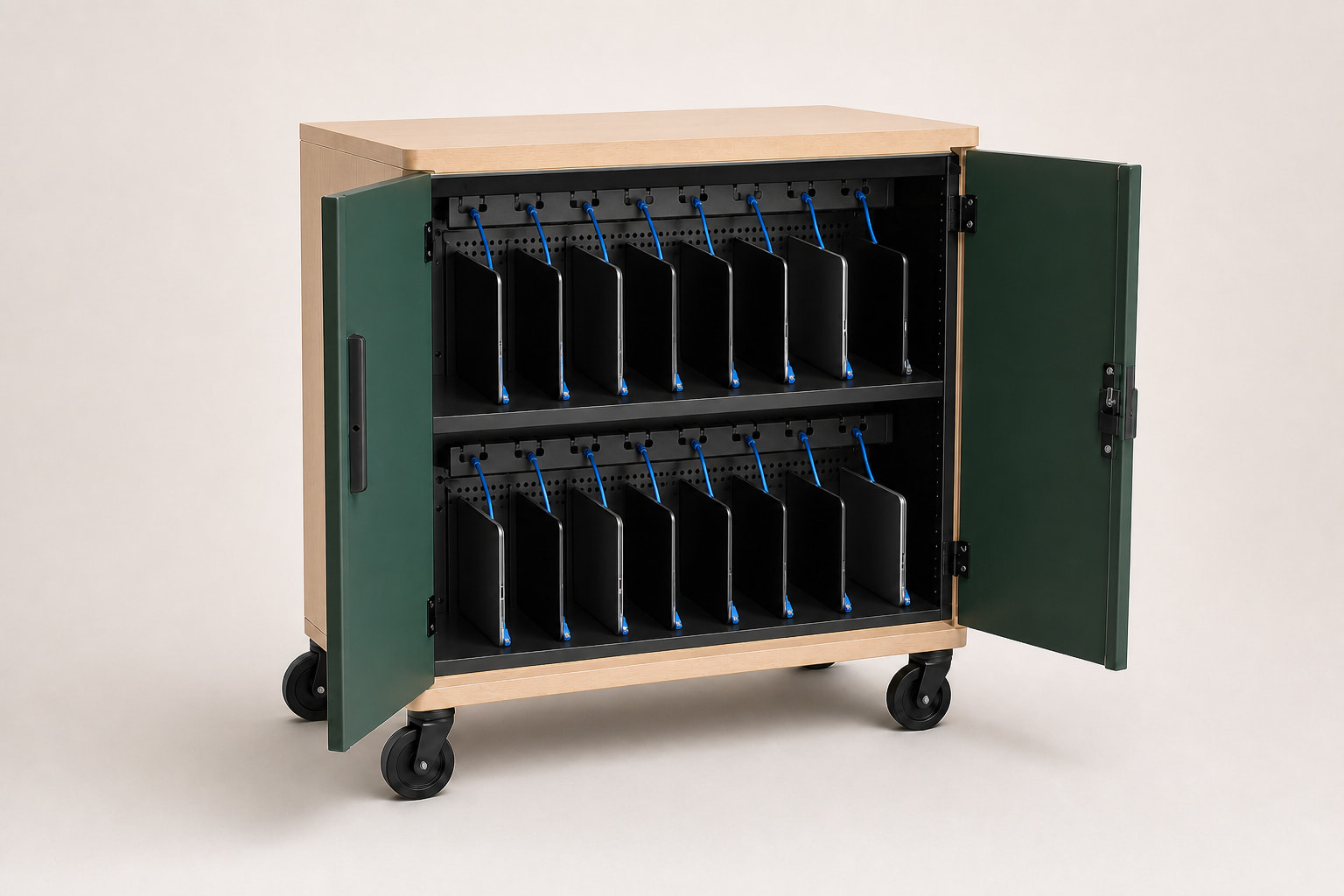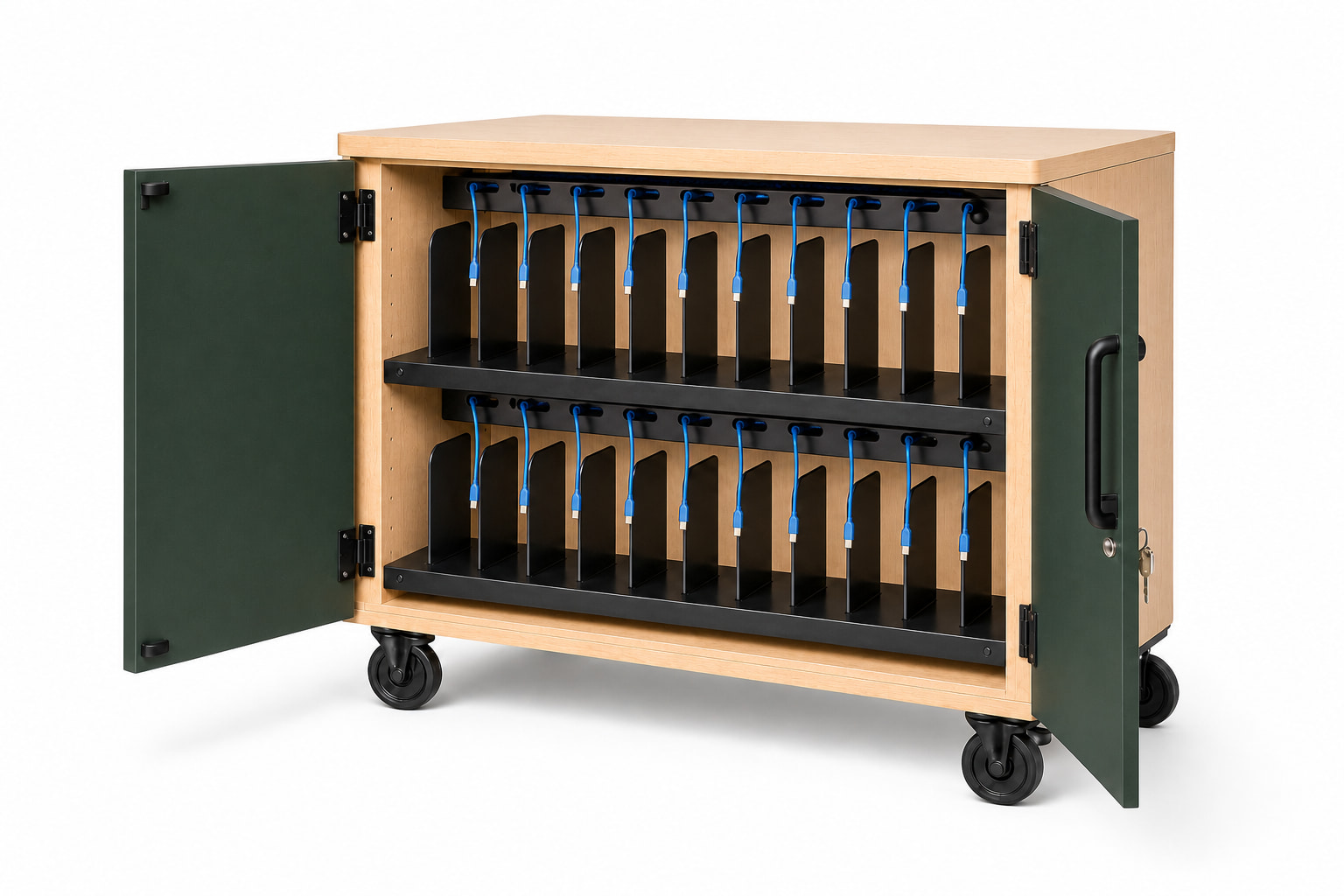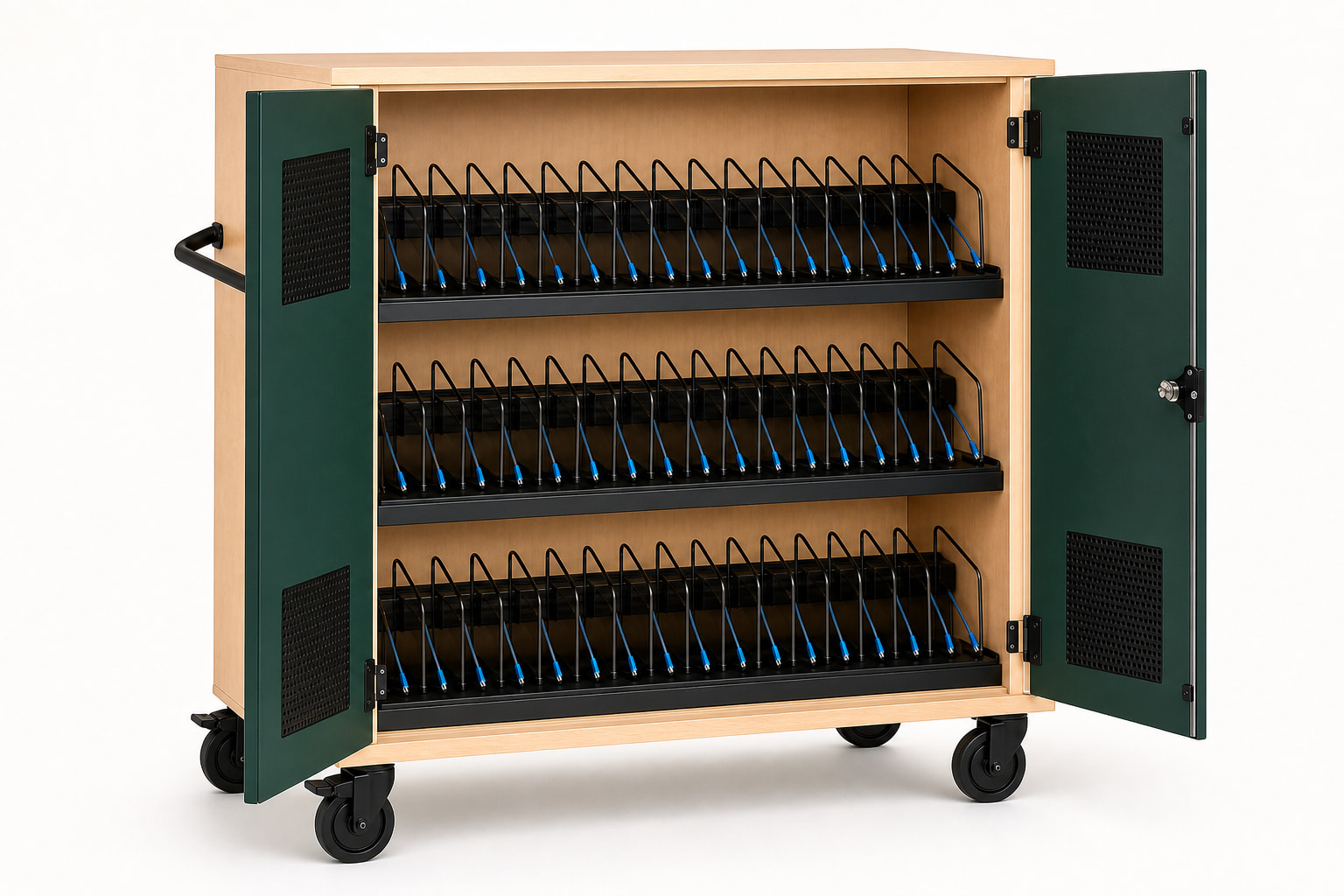
Key takeaways
- Limit planning to approved non-patient-vicinity applications unless separately evaluated.
- Validate cleaning products and methods against every exposed material.
- Confirm departmental device fit and USB-C compatibility.
- Document security, access, service, and placement with the responsible teams.
Appropriate planning contexts
Training rooms, simulation programs, IT deployment teams, administrative departments, and non-clinical loaner pools can need secure shared-device storage and charging.
The responsible facilities, safety, infection-prevention, clinical-engineering, and IT teams should determine placement. AlderGrid does not claim patient-vicinity, medical-device, or infection-control certification.
Cleaning and materials
A cleaning process should identify the product, concentration, dwell time, wipe material, frequency, and whether liquid can enter vents, seams, locks, or the power compartment. Compatibility must be validated on the finished materials.
Do not translate a generic 'easy to clean' statement into healthcare suitability. Document the approved method and inspect high-touch surfaces during the pilot.
Security and departmental access
Define who holds keys, where the cart parks, whether it crosses controlled areas, and how lost or damaged devices are separated. A three-point lock can secure the doors, but the institution still needs a physical access policy.
Healthcare pilot checklist
Use the exact devices, cases, cables, cleaning process, room location, and staff workflow. Review the loaded cart with the teams responsible for IT, facilities, safety, and the intended space.
- Approved non-patient-vicinity placement
- Device and case compatibility
- Charging and full-load behavior
- Cleaning-method validation
- Security and key ownership
- Facilities and safety review
Common questions
Plan the decision carefully.
Are AlderGrid carts medical-grade?
No. AlderGrid does not claim medical-grade, patient-vicinity, or infection-control certification.
Can a charging cart be used in a healthcare organization?
It may support approved IT, training, simulation, administrative, and departmental workflows outside patient vicinity, subject to the organization's review.
How should cleaning compatibility be evaluated?
Test the exact cleaning product, concentration, dwell time, wipe method, and frequency on the finished materials and confirm that liquid cannot enter electrical areas.
This guide supports early product selection. Final device fit, charging compatibility, ratings, installation scope, and compliance requirements must be confirmed for the specific project.