Key takeaways
- Separate classroom, lab, testing, and loaner workflows.
- Plan around mixed devices and changing hardware generations.
- Confirm elevator, doorway, threshold, and storage-room access.
- Create a documented owner for cables, keys, and compatibility approvals.
Labs and instructional programs
A lab cart can be matched to one course cohort or used as a shared departmental pool. When devices are assigned to numbered seats or benches, the cart labels should follow the same logic.
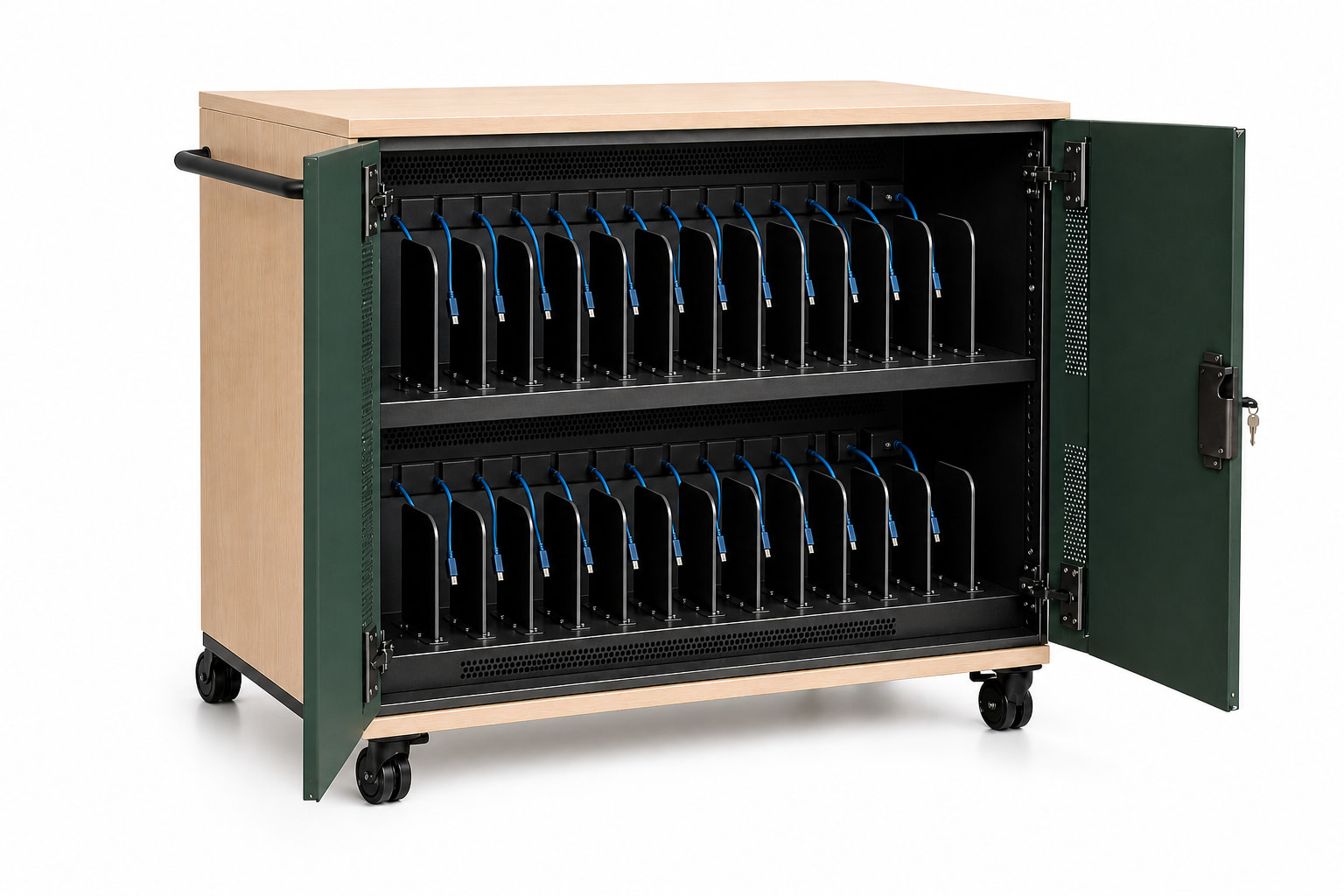
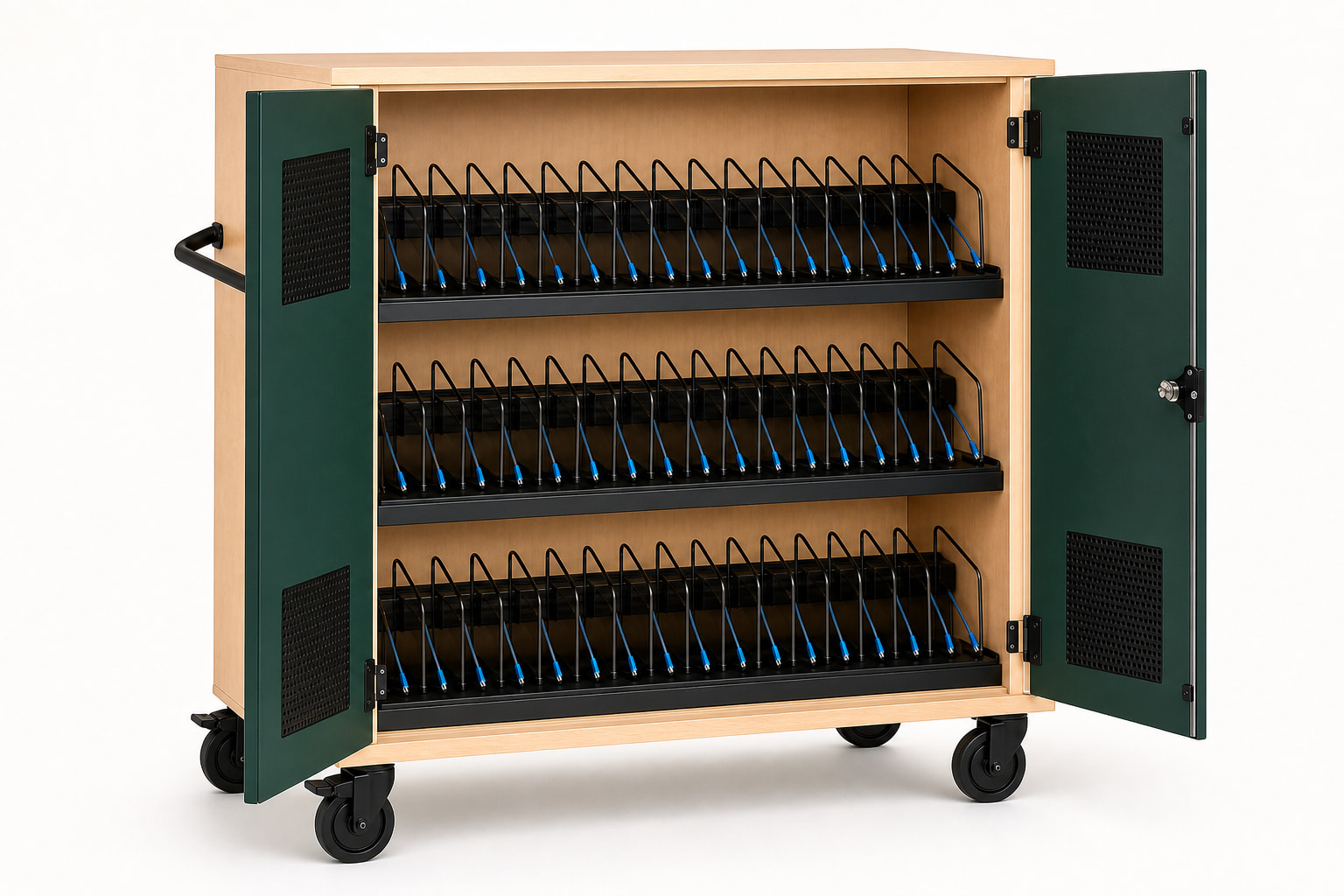
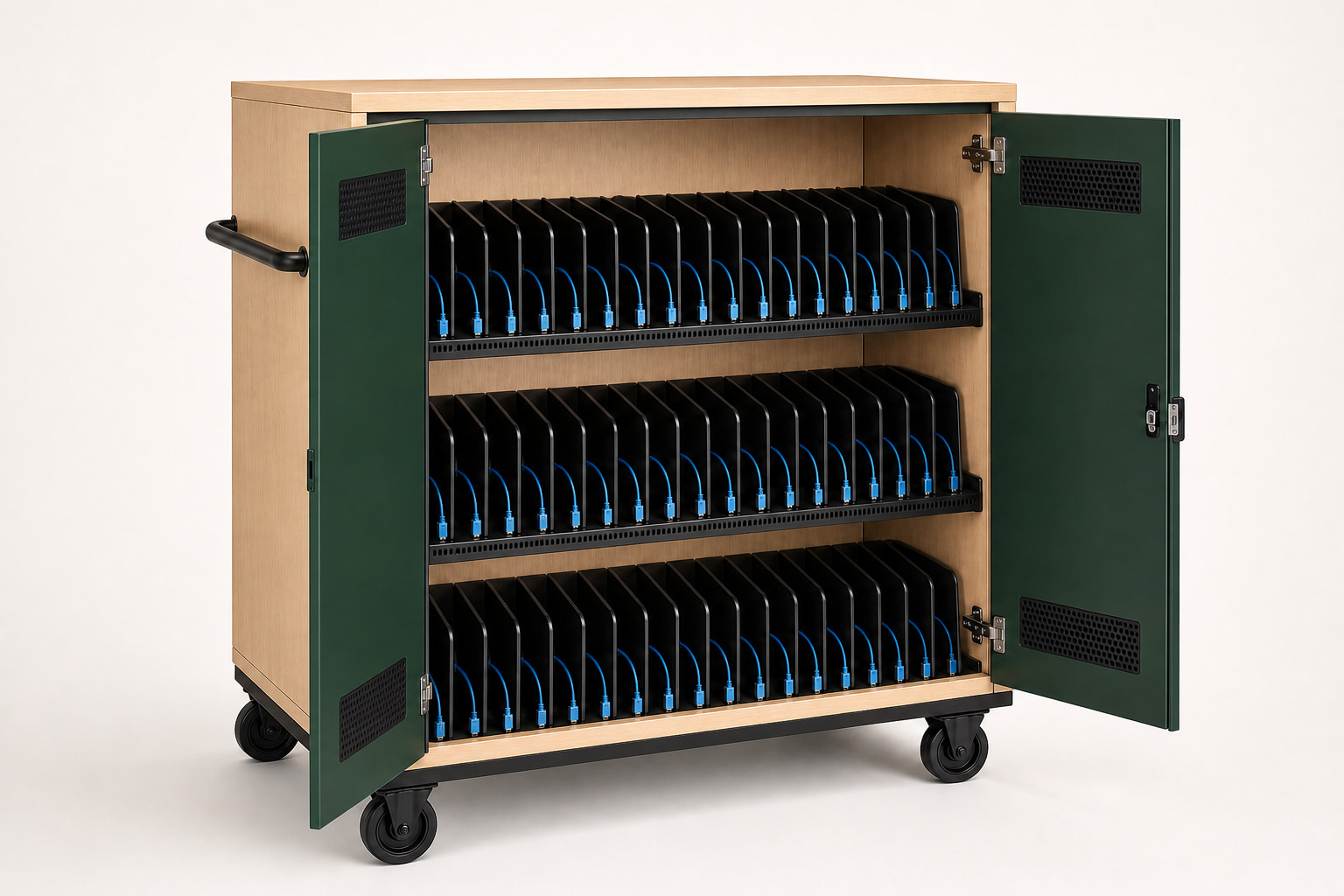
High-density carts can serve larger labs, but three-tier loading and the fully loaded weight should be evaluated with the staff who will use the cart.
Loaners, exams, and events
Loan and examination fleets may include spares, accessories, and devices returning at different states of charge. Define whether the cart is secure overnight storage, a staging cabinet, or a transport unit between buildings.
If devices are distributed individually, a compact or mid-size cart may support the help-desk routine better than one large fleet cart.
Mixed-device compatibility
Campus IT may manage several laptop generations. Build a compatibility schedule and avoid assuming every USB-C device accepts the same charging profile. Document adapter cables or exceptions by model.
Campus deployment checklist
Review the entire route from delivery dock to final storage. Freight, liftgate, inside delivery, elevators, door clearances, floor transitions, parking position, and power availability can change the viable model.
- Department and operational owner
- Approved devices and cases
- Distribution and return routine
- Delivery and inter-building route
- Key and security policy
- Cable inspection and replacement owner
Common questions
Plan the decision carefully.
What cart size works for a university lab?
Use the lab's working cohort. Class-size carts cover 24 to 36 devices; Fleet models cover 40 to 48 when one service routine genuinely manages the larger group.
Can one USB-C cart charge mixed laptop models?
Potentially, but every model must support a compatible USB-C Power Delivery profile and fit the bay with its case.
What delivery details should a college include?
Include dock access, liftgate needs, inside delivery, elevators, doorway clearances, floor transitions, final room, and installation expectations.
This guide supports early product selection. Final device fit, charging compatibility, ratings, installation scope, and compliance requirements must be confirmed for the specific project.